Top voice and hearing features to choose in a home phone
 | March 4, 2026 | 9 min read |
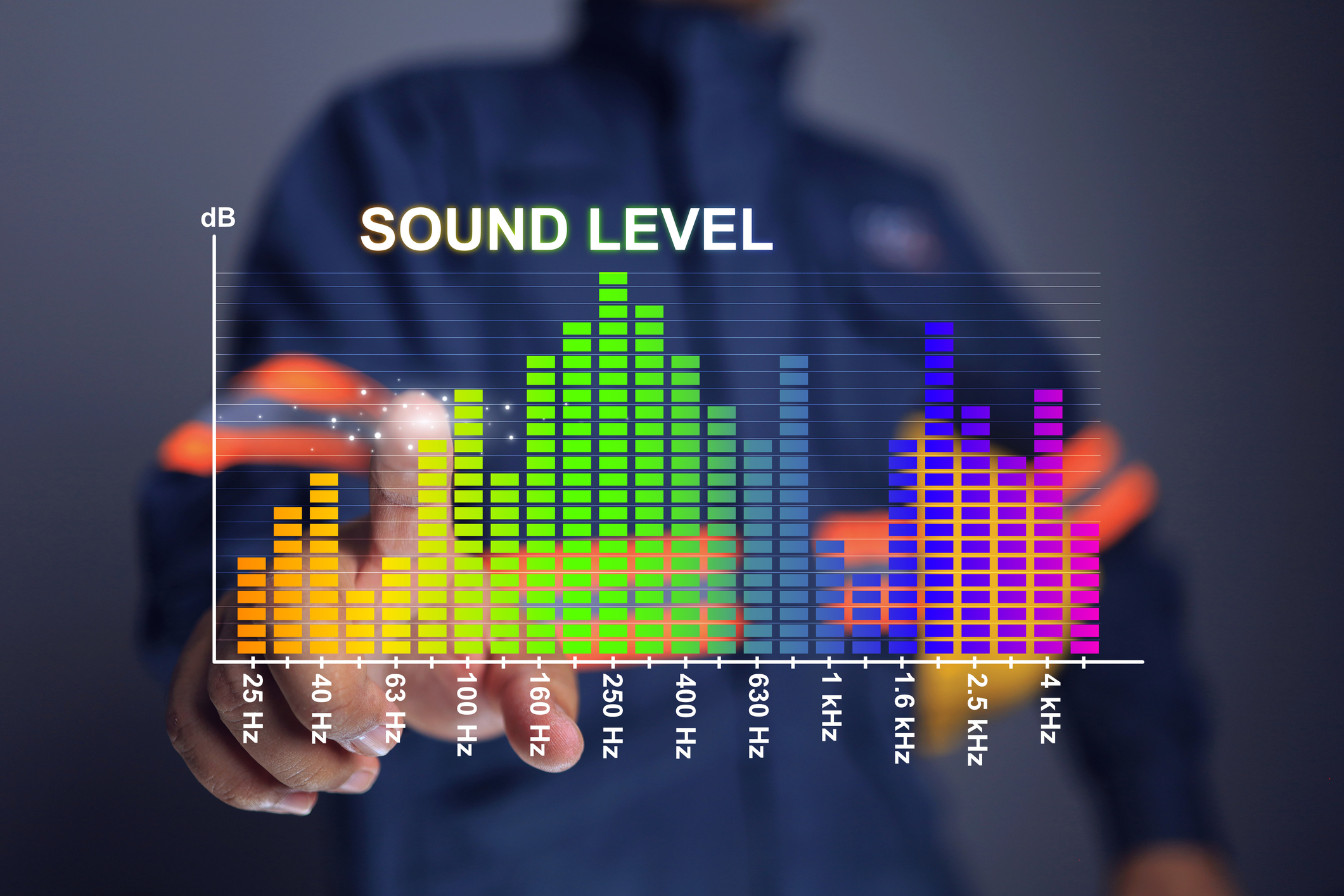
Phones have a lot of cool, exciting features nowadays, but some of the most useful are those that help more people make and enjoy phone calls. These are accessibility features, and while you don’t hear about them every day they’re important.
Here’s what you need to know about phone accessibility features.
What is hearing accessibility?
While looking at this guide, you may see some terms you might not understand. Let’s quickly go through and explain what you’re seeing.
Decibel amplification
Decibels are the measure of how loud something sounds. When you read about amplifying a sound by 40 or 15 decibels, it tells you how much the volume is in being increased.
For example, a normal conversation in person is usually at 40 or 50 decibels. Singing is typically done at 60 decibels. A jackhammer comes in at 80 decibels, which is where sound starts to get too loud for most people, and hearing protection is needed to protect your hearing after prolonged periods. Other high-decibel activities include sirens at 100 decibels, rock concerts at 120 decibels and gunshots or jet engines at 140 decibels.
Adjustable volume vs amplified phones
This might sound confusing, but it’s actually pretty simple. Adjustable volume is the volume you control. Kind of like a TV or a car radio. You can turn it up, you can turn it down. Amplified phones use special hardware to increase the volume without you having to do anything. It’s like using your naked ear to hear something versus cupping your ear with your hand. Your hand acts as a natural amplifier.
Tone control
Turning up the volume can usually make things easier to hear, but that has limits due to nature of how sound works. Your ability to hear sounds is down to two things, the sound waves themselves and the speakers that play them. For the sound waves, amplitude and dynamic range matter quite a bit. Amplitude is how big the sound waves are. The taller the waves, the louder a sound. The shorter, the quieter.
Dynamic range
Dynamic range refers to the difference between the quietest and loudest sounds in an audio signal.
A low dynamic range means volume stays fairly consistent. Everything is close to the same loudness level.
A high dynamic range means there is a large gap between soft and loud sounds. Movies are a common example. Dialogue may be quiet and subtle, while music or action scenes are much louder.
You may have experienced this at home. The dialogue sounds too quiet, so you turn up the volume. Then a loud scene suddenly feels overwhelming. That happens because the audio was designed with a wide dynamic range, often intended for powerful theater sound systems.
For phone calls, extremely high dynamic range is not ideal. Speech should remain clear and balanced. If volume levels fluctuate too much, conversations can feel frustrating or tiring.
Sound Distortion
Distortion occurs when audio is pushed beyond what a speaker can cleanly reproduce.
As you increase volume, the speaker’s internal components move more forcefully to create larger sound waves. Every speaker has physical limits. If the volume is pushed too high, especially on smaller devices, the speaker may no longer reproduce sound accurately.
Instead of clear speech, you might hear buzzing, crackling, or muffled voices. In some cases, making the sound louder actually reduces clarity.
Distortion is especially common when amplifying weak audio signals. Increasing volume dramatically can also amplify background noise and imperfections.
Why Tone Control and Equalization Help
Tone control, also called equalization or EQ, adjusts specific frequency ranges instead of simply making everything louder.
Human speech relies heavily on certain frequencies, particularly higher-frequency consonant sounds such as s, f, and t. If those frequencies are difficult to hear, speech can sound muddy even at higher volumes.
By adjusting these frequencies, a phone can improve clarity without forcing the speaker to operate at its maximum limits. The result is sound that feels balanced, clearer, and more comfortable to listen to.
Clear communication should not require strain. Let’s explore some common accessibility issues for phone calls and the features that are designed to help make phone conversations easier, more natural, and more understandable.
“I can’t hear the phone ring”
If you can’t hear the phone ring, there are a couple features you want to look for that can help:
- Extra-loud ringtones that go up to 50 decibels.
- Multiple ringtone options.
- Visual light indicators that flash when the phone rings.
- Hearing aid compatible and TIA-1083 compliant.
- Direct 2.5mm or 3.5mm connection to assistive listening devices or headsets.
These hearing accessibility features can help you or someone you know better hear when the phone is ringing. One important factor to consider is pitch, which can sometimes matter more than pure volume or amplification. That’s why different ringtone options matter.
The pitch of a sound determines how high or low a sound is. Pitch is determined by frequency. The closer together the waves, the higher pitch and frequency (the sound waves come quicker). The farther apart they are, the lower the pitch.
Amplification on the other hand is the increasing of volume, while amplitude is how tall or short each wave is. Tone is the character of the sound. Tone is what separates a violin from a guitar, and it’s built of a set of frequencies.
Keep in mind: Extra-loud ringers can surprise guests and amplified headsets can drain batteries (look for a handset that has a battery backup).
“I can hear the ring, but not the person”
Not being able to hear someone on the phone is a frustrating experience and can lead to feelings of disconnection. It’s even worse if the person you’re talking to is someone you love dearly. So here are some phone features to look out for that can help you hear the other person better.
- Digital amplification with up to 50 decibels.
- Loud and clear speakerphone (keep in mind that using speakerphones can be a loss of privacy.)
- Hearing aid compatible and TIA-1083 compliant.
- 2.5mm or 3.5mm connection to assistive listening devices or headsets.
These accessibility features might be similar to those we mentioned in reference to not being able to hear the phone ring, but they will also help you hear the other person better.
Be aware of amplifying sound too high, as setting it to the max level can distort the voices you’re listening to.
One more thing. If you find that people on the other end of the line can’t hear you speak, consider amplifying your outgoing speech by 15 decibels.
“Voices sound muffled or unclear”
A phone handset can do a lot to amplify sounds, but if the network behind the phone call isn’t providing clear audio quality then even the best handset will sound bad. Here are some hearing accessibility features to look out for.
- HD voice, providing crystal clear network transmission of phone calls.
- Sound adjustment (like bass or treble).
A lot of this is dependent on your phone service, so make sure that it has some kind of HD voice feature that is using wideband audio to deliver phone calls. Wideband audio uses a wider frequency range (50Hz to 7,000Hz) to better produce higher quality, clearer sounds than narrowband audio (300Hz to 3,400Hz). This wider frequency range is especially good for reproducing voices.
“Background noise makes calls hard”
There’s nothing more annoying than trying to talk to someone on the phone and not being able to hear responses because there’s a truck driving outside your window – or they can’t hear what you’re saying for a similar reason.
Here are features you can use to keep those noises from interfering in the conversation:
- Noise cancellation
- Speakerphone noise reduction
Now, no phone or phone service is going to eliminate all possible background noise, but reducing it enough for the person’s voice to take center stage is the perfect sweet spot.
“I need visual or physical reinforcement”
If you can’t see what numbers you’re dialing or who is on the caller ID with a phone you’re using, then that’s a problem. Here are some features that can help with visual accessibility.
- Flashing light to signal incoming calls if ring isn’t audible.
- High contrast Caller ID screen with large font.
- Language selection to read caller ID in native language.
- Talking Caller ID.
- Illuminated talking dial pad.
- Large dial pad buttons.
These features will help users better see the numbers they’re dialing and who is calling. This is phone accessibility from two sides, helping you see and hear better.
What to do when you get a hearing-accessible phone
There are a couple things you’ll want to do when you get your new phone. They are simple, but it’s essential they’re done to make sure that you’re getting the most out of your new device.
Test ringer volume
You’re going to want to put the phone in the room you use the most, or at least in a place in close proximity to where you are spending the majority of your time. For example, if you spend a lot of your time in the living room but your phone is in a guest bedroom on the second floor, that may not be very helpful. You could also purchase a few additional handsets you can put in multiple rooms, so there is increased likelihood of hearing the phone when it rings.
Test handsets and speakerphones
Once you get your phone set up, make a couple of calls! Listen to what the phone is like when you’re using the regular handset versus when you’re using the speakerphone. Is the volume at a good level for you? Can you hear it clearly?
Getting the right phone for you
Does your current phone help you use it with these features? If not, it might be time to get one that does. Keep in mind that you don’t need a phone with all of these features. You just need a phone with the features that matter to you.
What’s your biggest challenge? If it’s hearing the ringer, look for phone tech for the hearing impaired. If it’s hearing the person at the other end of the line, look for a phone or phone service that can handle that. If it’s the key pad and seeing the caller ID, look for a phone with a large Caller ID and big dial pad buttons.
Some phone services sell bundles where you can get everything at the same time, like Ooma’s Senior Phone and Service Bundle. You not only get Ooma Home Phone Service with HD voice, you get a Clarity phone with many of the features we’ve outlined here. It’s a home phone designed for seniors, and it not only makes voice and hearing louder – it makes conversations easier.


Designed with
safety in mind.

S
A
F
E
Husain Sumra is a former journalist who reported on the biggest companies in tech, from Apple to Amazon, covering cloud services, consumer technology and communication solutions. His journalism background has helped him bring a customer-first approach to content marketing, creating pieces of content aimed at helping people.