Thank you!
An Ooma AirDial Sales Representative will be in touch shortly.
866-839-5810



Get your custom quote.
Let’s talk and see how much you can save with Ooma AirDial.

We’ll follow up within a business day.

We’ll help you analyze whether Ooma AirDial is a good solution for your needs.

A custom quote will be generated.
Generate Your Personalized POTS Line Replacement Business Case
Get the information needed to build your case for POTS replacement. Create a customized business case document that shows how much your organization can expect to save by replacing POTS lines with Ooma AirDial.
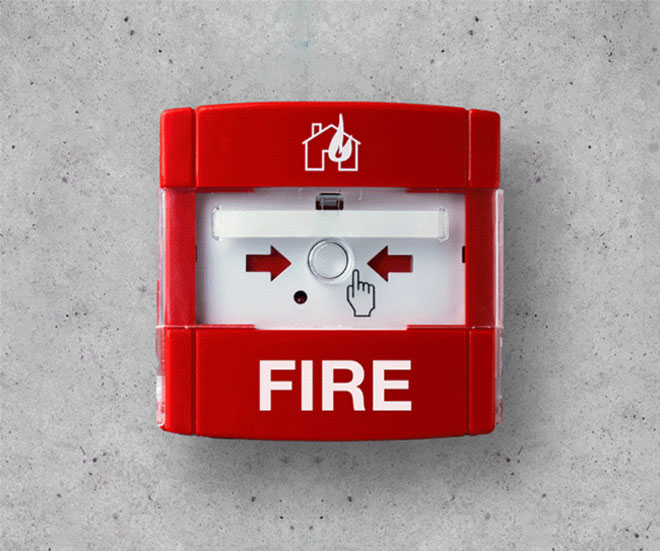
Still using POTS lines? See where they still support critical systems.
Check POTS ReadinessCall sales at:
866-902-6765
No copper lines can mean no service
Author: Tonya Hottmann
Key Points:
- When a carrier ends copper service, they do not automatically upgrade your existing lines to a digital connection.
- A copper phone line may support a device your team rarely sees, such as a fire alarm panel or elevator phone, but is critical for life and safety.
- Identify every affected copper line and confirm a working replacement before the existing service ends.
- Start planning before you receive a decommissioning notice.
It is easy to assume a carrier will simply switch your copper network to digital behind the scenes. A network upgrade does not automatically move your phone numbers, install replacement equipment at your building or verify that your connected devices still work. If the carrier is ending your copper line service, you need to act before the cutoff date.
This guide explains why the transition may require work at your site, what devices can lose connection and what to do next.
1. Why a digital upgrade may not include your devices
A carrier can modernize its network while your building still relies on older copper service. The network change doesn’t simply reconnect the fire alarm panel, elevator phone, or other device plugged into a copper line at your site. Even if the carrier offers a replacement service, you may need to order it, arrange installation and confirm that it fits each use case.
Be sure to read any carrier notices very closely to identify the affected phone numbers, the scheduled change and what the carrier expects your organization to do. If you have a discontinuance notice, see the POTS shutdown notice guide.
2. What analog-to-digital conversion requires
A traditional copper phone line provides an analog connection to the equipment in your building. Even if your carrier offers an alternative, replacing that service isn’t as simple as swapping networks, it still has to be installed and tested to ensure each connected device continues to function properly.
A dial tone alone does not guarantee success. Fire alarm panels, elevator phones, security systems, and other critical devices must be individually tested to confirm signals and calls reach their intended destination. Without proper validation, a device may appear operational until an emergency requires it and it fails to communicate.
3. What can happen if the copper line ends first
When an affected line is disconnected without a working replacement, the equipment using it may lose its communication path. Check for copper connections serving:
- Fire alarm panels and security systems
- Elevator and other emergency phones
- Building entry, gate and intercom systems
- Fax machines and modems
- Backup phones and other rarely used devices
Some connections are easy to miss because people use the devices only during an alarm, emergency, or inspection.
4. What to do before copper service ends
- Confirm the change. Ask your carrier which services and phone numbers are affected and when they end.
- Trace each copper line. Match billing records and phone numbers to the device and location each line serves. Walk equipment rooms and other areas where critical systems are installed.
- Check device requirements. Ask your contractor or other service provider what the connected equipment needs from its replacement communication path.
- Install a suitable replacement. Confirm it works with the existing device and meets any applicable requirements before the carrier disconnects the old service.
- Test and document it. Place test calls and confirm alarm signals reach their intended destinations. Keep the results for your records.
Next step
Find out what depends on copper now. Review the carrier notice and your phone bills, map each number to a device, and replace it before the cutoff date.