Last Updated: March 4, 2026
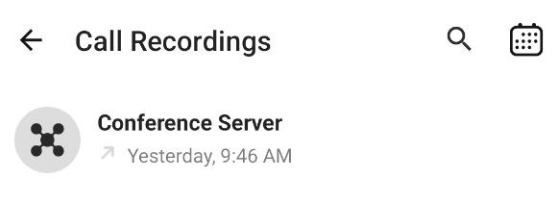
The Recordings module lists all your recorded calls :
:
Tapping on a recording opens a window with several options to choose from:
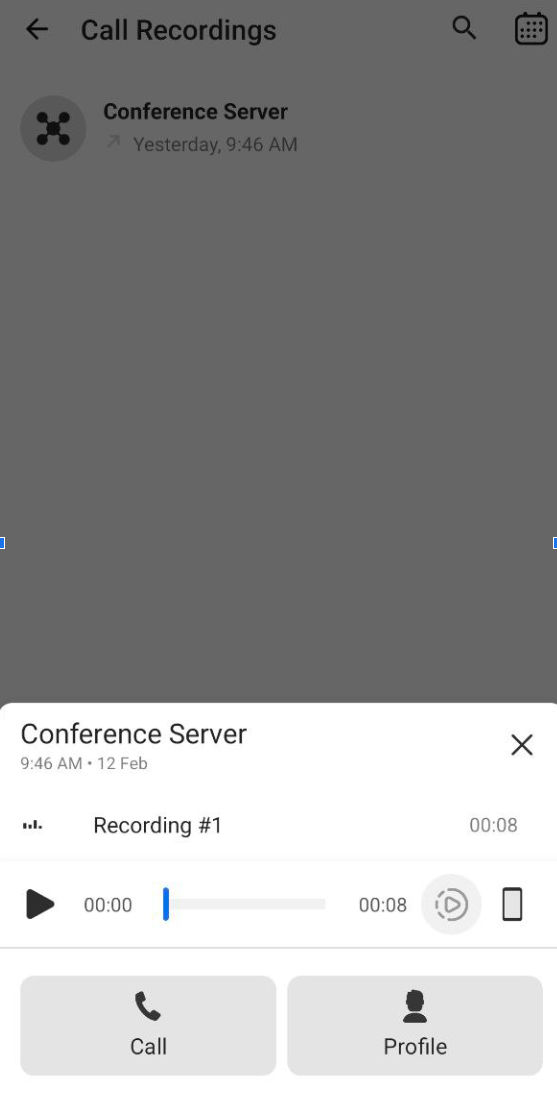
- The top line displays the contact’s name and the recording date and time.
- The recording line shows the duration of the recording.
- Tap
 to play the recording.
 - Tap
 to adjust the recording’s playback speed:

- Tap
 to switch between your cellphone’s speaker and earpiece:

- Tap
 to call the other party in the recorded call.
 - Tap
 to open the other party’s personal card.
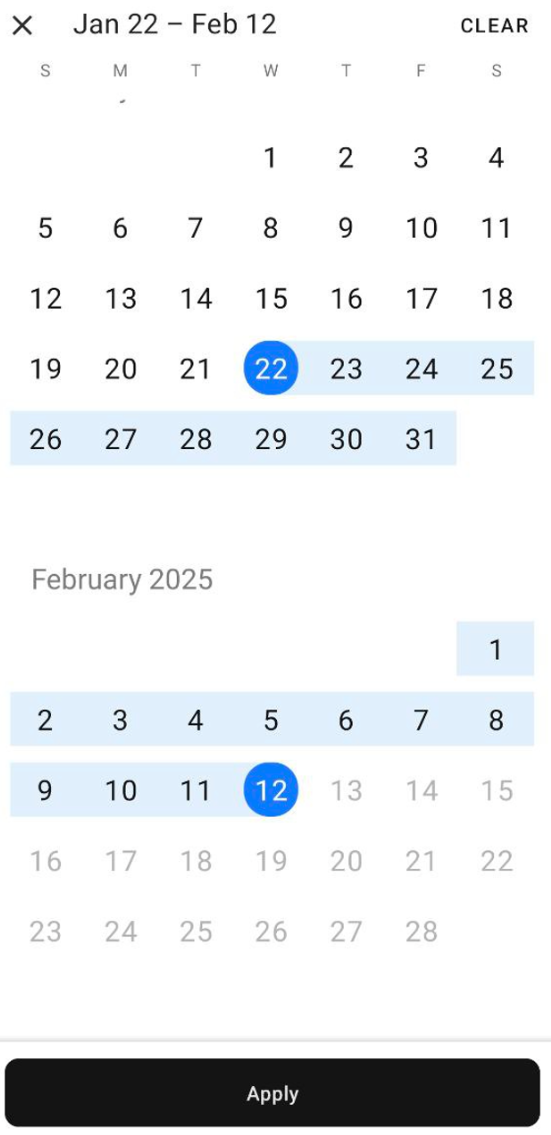
You can filter the view in the Recordings module by date by tapping  in the main menu. Select a start date and end date to show recordings made during that time.